
TWITCH (@YourTaurusBestie) — Some Twitch streamers say they have been targets of follow bots.
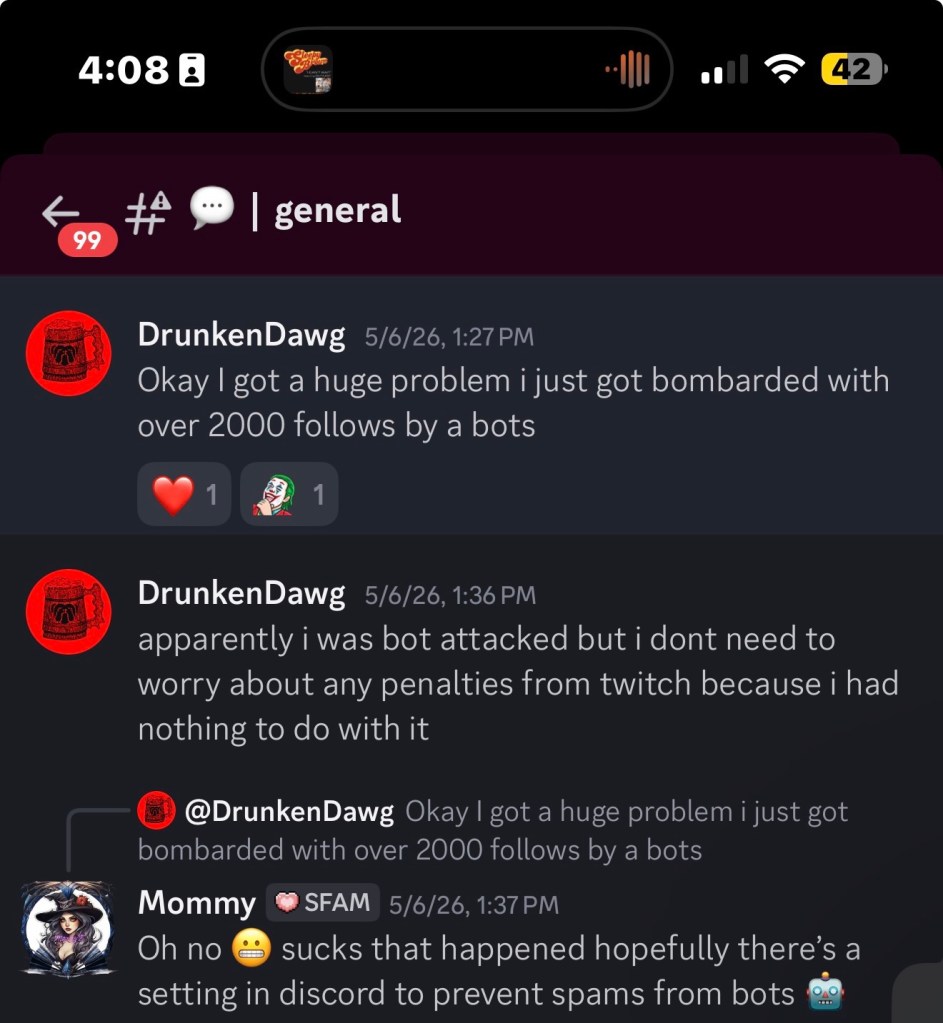
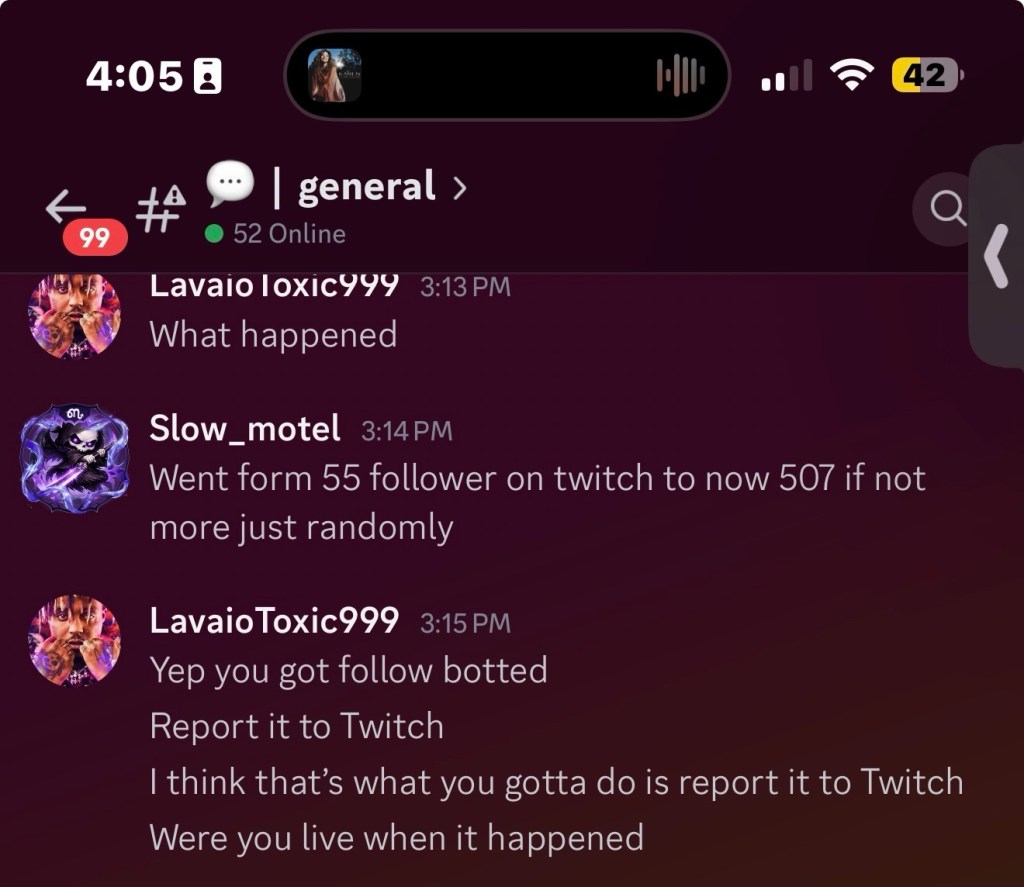
Over the past several weeks, multiple content creators across Twitch have reported sudden spikes of fake followers appearing on their channels. While a large follower increase may seem exciting at first glance, these attacks can create headaches for streamers trying to accurately track their growth and community engagement.
Follow botting occurs when automated accounts rapidly follow a channel in large numbers. In many cases, the targeted streamer has no connection to the attack and becomes a victim rather than a participant. The goal can range from trolling and harassment to attempting to trigger platform moderation systems.
How to protect your channel
1. Enable Verification Requirements
Require email and phone verification for chat participation. This won’t stop follow bots entirely, but it can limit additional spam activity.
2. Use AutoMod and Moderation Tools
Review your moderation settings regularly and keep AutoMod enabled. Third-party moderation bots can also help identify suspicious account activity.
3. Monitor Unusual Follower Spikes
If you suddenly gain dozens or hundreds of followers within minutes, take note of the timing and activity. Organic growth rarely appears in large unexplained bursts.
4. Report Suspicious Activity
Use Twitch’s reporting tools if you believe your channel has been targeted. Document timestamps and unusual behavior to provide additional context.
5. Avoid Public Panic
Follow bot attacks are typically easy for platforms to identify. Avoid accusing viewers or community members without evidence and focus on documenting the activity instead.










Leave a Reply